Regular Expressions You Should Know (and How to Test Them Without Leaving Your Browser)
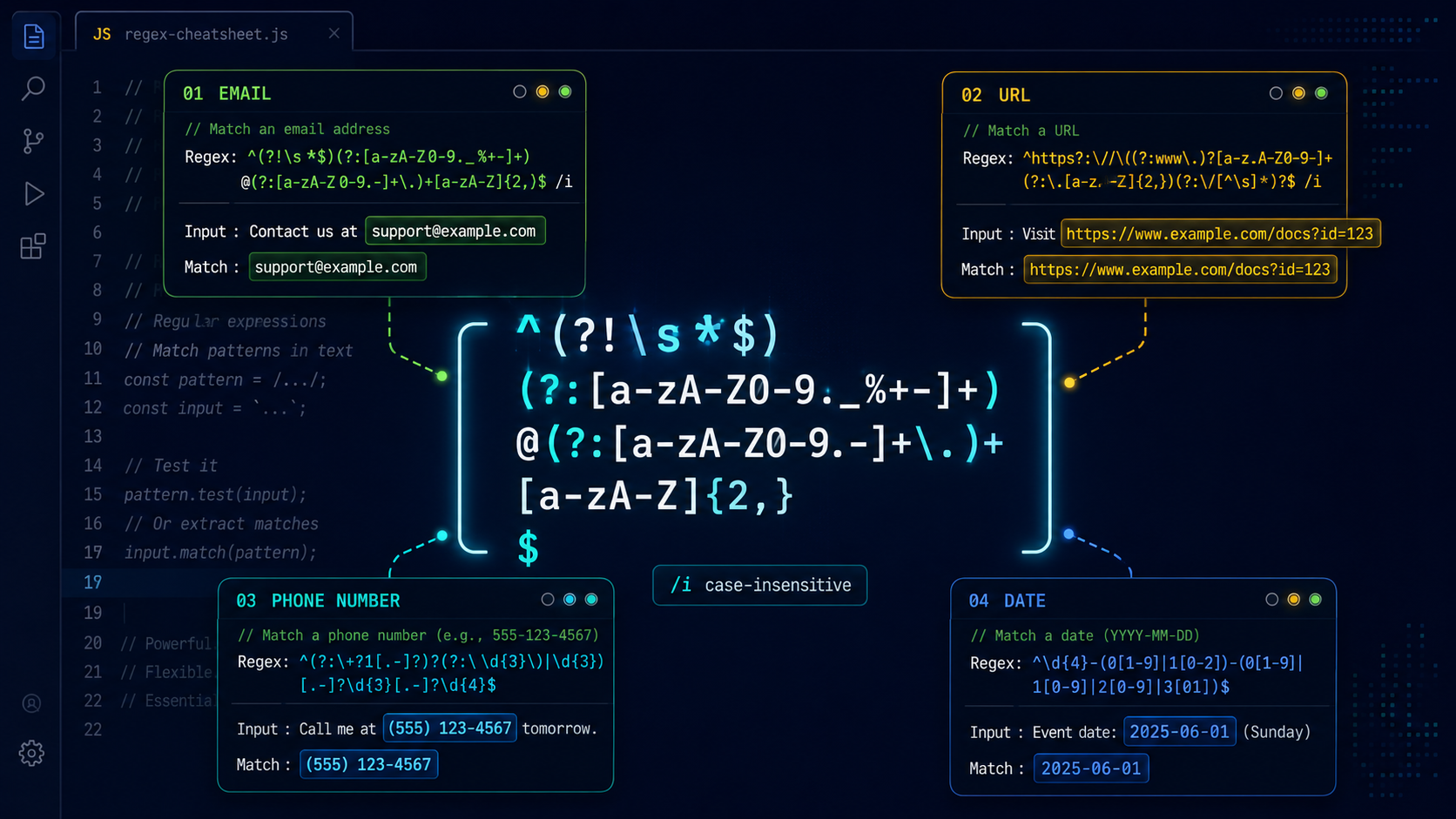
Regular expressions have a reputation: powerful, but unreadable. The joke goes that if you have a problem and you solve it with a regex, you now have two problems. But you don't need to memorize arcane syntax to get real value out of regexes. A handful of practical patterns, combined with knowing how to test them safely, covers most of what a developer encounters day to day.
The Patterns You'll Actually Use
Email (basic validation)
/^[^\s@]+@[^\s@]+\.[^\s@]+$/
This checks that the string has something before the @, something after it, and a dot somewhere after that. It won't catch every edge case (RFC 5322 is far more complex), but it blocks obvious garbage without rejecting valid addresses. If you need full RFC compliance, use a library. The spec allows nested comments, quoted local parts, and IP address domains that a single regex can't reasonably handle.
URL extraction
/https?:\/\/[^\s/$.?#].[^\s]*/gi
Finds URLs in free text. The s? handles both HTTP and HTTPS. The character class [^\s/$.?#] skips whitespace and common delimiters so you don't pick up trailing punctuation. The gi flags make it global (find all matches) and case-insensitive. Use this for extracting links from plain-text emails, logs, or chat transcripts.
Phone numbers (US format)
/\(?\d{3}\)?[-.\s]?\d{3}[-.\s]?\d{4}/
Matches 555-123-4567, (555) 123-4567, 555.123.4567, and 5551234567. The \(? and \)? make parentheses optional; the character class [-.\s]? allows dash, dot, or space as optional separators. For international numbers, you'll need country-code handling; this pattern is US-centric by design.
ISO 8601 dates
/\d{4}-(0[1-9]|1[0-2])-(0[1-9]|[12]\d|3[01])/
Validates dates in YYYY-MM-DD format with basic range checking on month (01-12) and day (01-31). It doesn't catch invalid dates like 2026-02-30, but it rejects 2026-13-45. Combine with new Date() parsing for full validation if you need it.
Named Capture Groups
Modern JavaScript (ES2018+) supports named capture groups. Instead of remembering that match[1] is the username and match[2] is the domain:
const emailRegex = /^(?<local>[^\s@]+)@(?<domain>[^\s@]+)\.(?<tld>[^\s@]+)$/;
const match = "user@example.com".match(emailRegex);
console.log(match.groups.local);  // "user"
console.log(match.groups.domain); // "example"
console.log(match.groups.tld);    // "com"
Named groups make regex code self-documenting. You don't have to count parentheses to figure out which group is which, and the regex stays readable when you come back to it months later.
Lookahead and Lookbehind
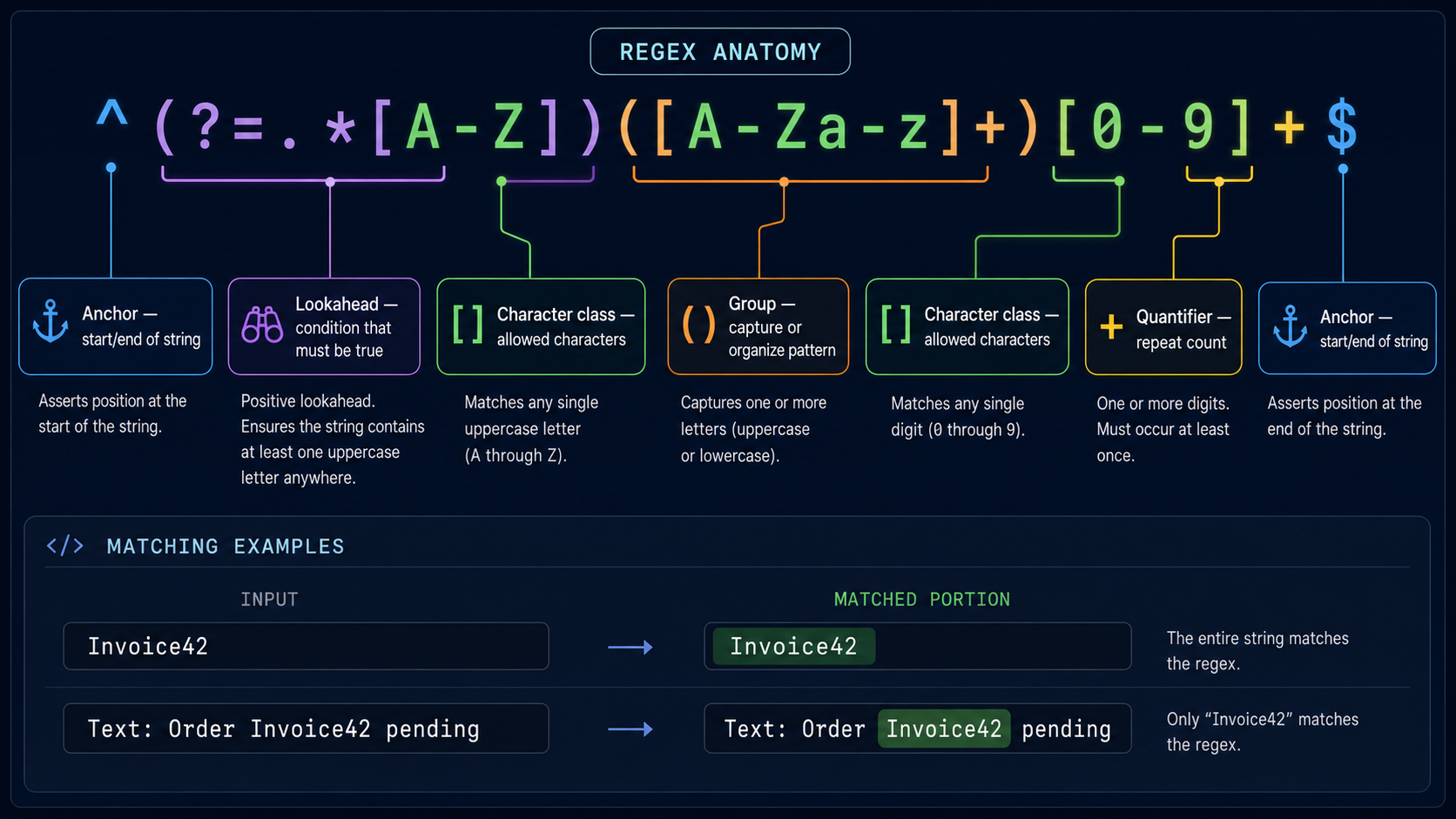
Lookaheads let you assert that something follows (or doesn't follow) without consuming it:
// Match "q" only when followed by "u" (like English spelling)
/q(?=u)/

// Match "q" only when NOT followed by "u" (rare cases like "Qatar")
/q(?!u)/
Lookbehinds (ES2018+) do the same backward:
// Match digits only when preceded by a dollar sign
/(?<=\$)\d+(\.\d{2})?/

// Match digits NOT preceded by a dollar sign
/(?<!\$)\d+/
These are especially useful for validation rules that depend on context: match a hash only when preceded by a specific header, match a closing tag only when an opening tag exists earlier in the string.
Catastrophic Backtracking
Regex engines try every possible way to match a pattern. When a pattern has nested quantifiers, like (a+)+b, the engine can enter exponential backtracking. Given an input like "aaaaaaaaaaaaaaaaaaaaaaaaaaaaac", it will try millions of combinations before giving up, locking the thread or crashing the page.
The classic dangerous pattern:
/(a+)+b/    // Nested quantifier: exponential on long inputs of "a"s
/^(\w+\s?)*$/ // Another exponential pattern on long word lists
Fix it by making quantifiers possessive where possible (JavaScript doesn't support possessive quantifiers directly, but you can restructure the pattern):
// Instead of (a+)+b:
/a+b/        // Same intent, no nesting

// Instead of ^(\w+\s?)*$ (can explode on long strings):
/^(\w+\s)*\w+$/  // Unrolled loop, safer
The rule: avoid nesting a quantifier inside another quantifier when both can match the same character. If you see (X+)+ or (X*)* in a regex, refactor it.
Testing Regexes in the Browser
Most regex testing services send your pattern and test string to a server. If you're testing against production data (log samples, API responses, user input examples), you're sharing that data with a third party.
Use our Regex Tester instead. It runs entirely in your browser using JavaScript's built-in RegExp engine: your patterns and test strings never leave your machine. Paste a regex, paste some sample text, see what matches immediately. No network requests, no server-side processing.
You can also get the same safety with a browser console:
const regex = /https?:\/\/[^\s]+/gi;
const text = "Visit https://example.com or http://test.org for details.";
const matches = [...text.matchAll(regex)];
matches.forEach(m => console.log(m[0], "at position", m.index));
// https://example.com at position 6
// http://test.org at position 35
The matchAll() method (ES2020) returns an iterator over all matches with their groups and positions. It's more useful than the older match() when you need location information or named groups.
For deeper regex reference, check our regular expressions guide. It covers Unicode property escapes, sticky flags, and the full set of JavaScript regex features.
Regex Flags Worth Knowing
| Flag | Name | Effect |
|---|---|---|
g |
Global | Find all matches, not just the first |
i |
Case-insensitive | /[a-z]/i matches A–Z too |
m |
Multiline | ^ and $ match start/end of each line, not just the string |
s |
Dot-all | . matches newlines (\n) too |
u |
Unicode | Enables Unicode property escapes like \p{Letter} |
y |
Sticky | Match must start exactly at lastIndex |
You can combine them: /pattern/gim runs a global, case-insensitive, multiline search.
Start Small
You don't need to memorize the entire regex grammar. Start with the five patterns above; they handle 80% of what you'll run into. Learn named groups when your patterns have more than two capture groups. Understand backtracking well enough to spot nested quantifiers before they ship to production. And test your regexes somewhere that doesn't send your data to a server you don't know.