The Privacy-First Developer Toolkit: 10 Essential Browser-Based Utilities
Updated
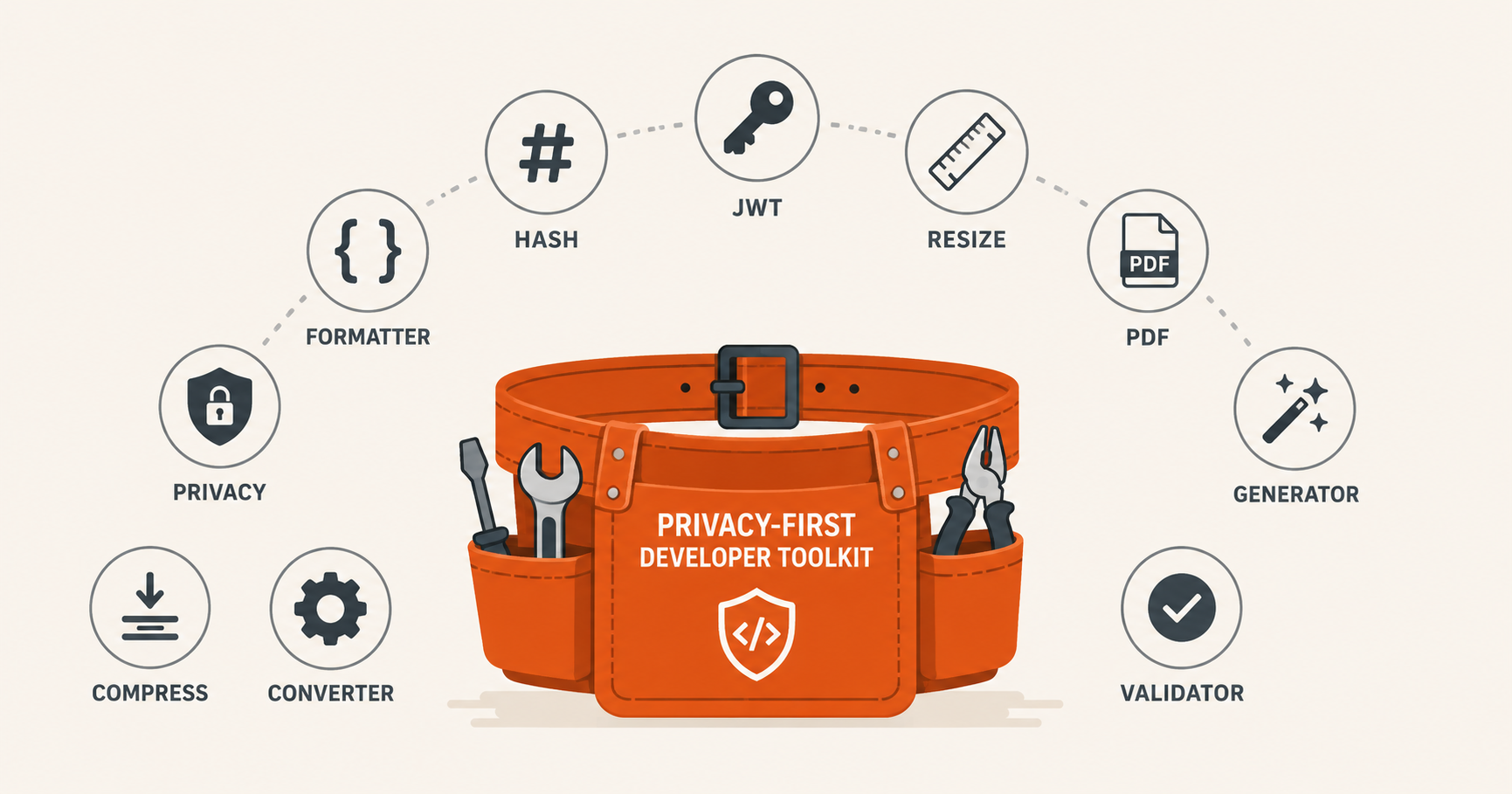
Modern web development requires a staggering number of utilities. Encoding, formatting, converting, generating: the list goes on. But here's the uncomfortable truth: many of the tools developers rely on every day are sending your data to a remote server to do their job.
A privacy-first approach to developer tools means every encode, decode, format, and conversion happens on your machine, in your browser, with no network calls. The data never leaves your device. This isn't just about peace of mind; it's about building a secure development workflow that respects your users' data as much as your own.
Here are 10 essential categories of developer utilities you can (and should) run entirely client-side.
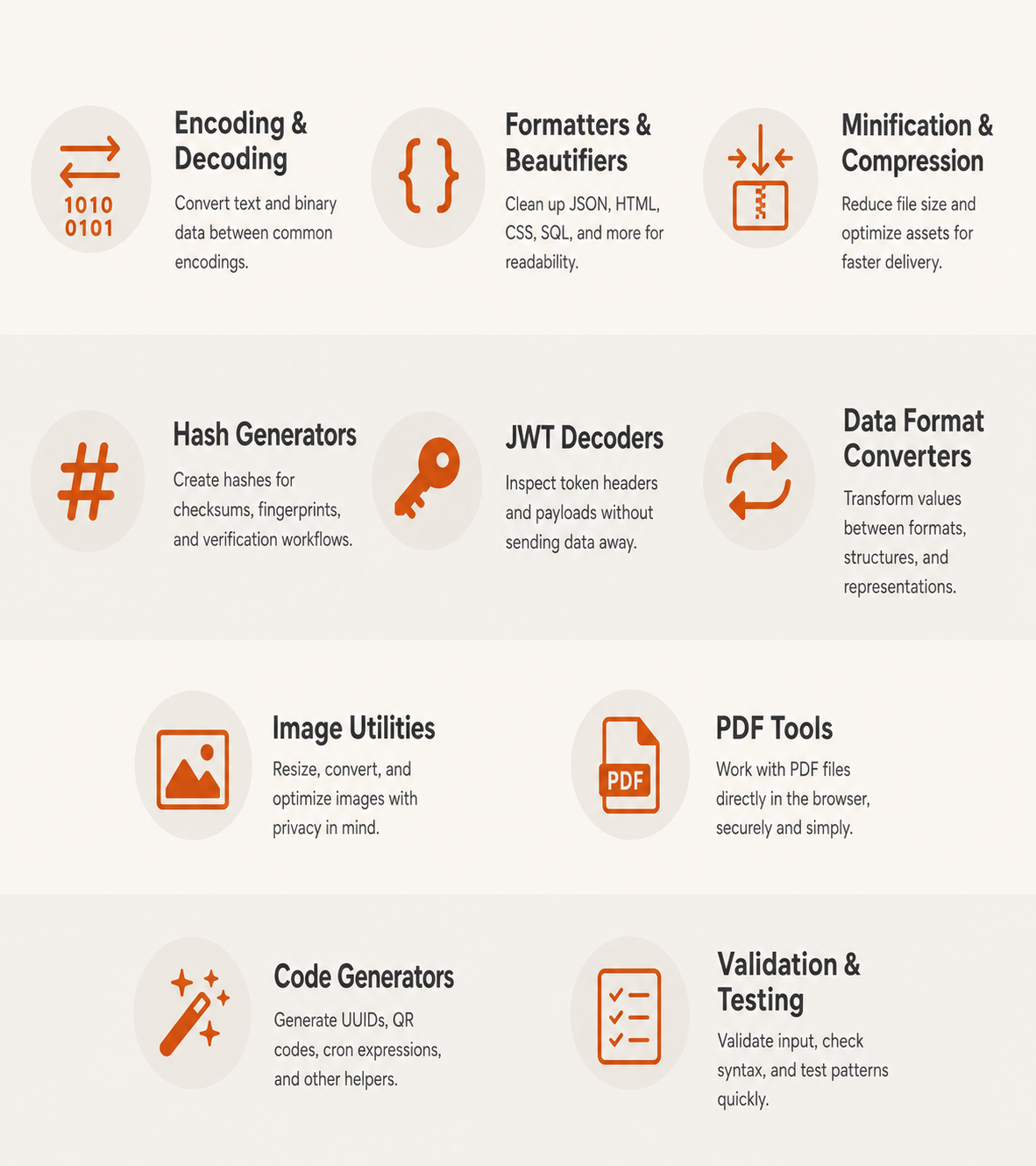
1. Encoding and Decoding
Encoding and decoding tools are the most frequently used utilities in any developer's day, and also the most likely to leak data. Paste an API key into a server-side encoder and it's logged somewhere forever.
Base64 is everywhere: JWT payloads, data URIs, Basic auth headers, email attachments. A solid Base64 Encoder and Base64 Decoder should be in every bookmark bar. For images, an Image to Base64 converter handles the data URI workflow. For binary-to-text beyond Base64, a Hex/ASCII Converter bridges the gap.
URL encoding is equally essential. Query strings, form data, redirect URLs: every parameter that contains special characters (&, =, %, spaces) needs encoding. A URL Encoder and URL Decoder should handle application/x-www-form-urlencoded encoding correctly, not just percent-encode every character.
2. Formatters and Beautifiers
Unreadable data is the most common reason developers reach for external tools. Client-side beautifiers transform minified JSON, mangled HTML, or compressed CSS back into readable, indented structures.
A JSON Formatter with syntax highlighting and collapsible trees turns API responses from noise into signal. For HTML, a HTML Beautifier handles not just indentation but attribute ordering, tag closing, and whitespace normalisation. Similarly, a CSS Beautifier and JS Beautifier keep your frontend assets readable.
3. Minification and Compression
The flip side of formatting: when you need to squeeze every byte before deployment. Client-side minifiers are especially valuable here because you can feed them production assets without worrying about a server caching or logging your code.
A JS Minifier, HTML Minifier, and CSS Minifier cover the core frontend pipeline. For checking actual transfer sizes, a GZIP Compressor lets you test compression ratios directly in the browser.
4. Hash Generators
Password hashing, file integrity checks, API signatures: hashing is foundational to web security. A client-side Hash Generator supporting MD5, SHA-1, SHA-256, SHA-512, and HMAC variants processes everything locally using the Web Crypto API. You can verify a checksum or generate a salted hash without exposing the plaintext to any network.
For password-specific workflows, a bcrypt Generator lets you hash and compare passwords directly in the browser.
5. JWT Decoders
Inspecting a JWT's header and payload is a daily task for anyone working with authentication or OAuth. A client-side JWT Decoder parses the three Base64-encoded segments of a token and displays the decoded header, payload, and signature details, all locally, so token contents never leave your machine.
6. Data Format Converters
Moving data between formats is a constant source of friction. A JSON↔CSV Converter handles bi-directional conversion for spreadsheet data. A JSON↔YAML Converter is invaluable when switching between config file formats. For generating TypeScript types from API responses, a JSON to TypeScript converter saves hours of manual type definition.
7. Image Utilities
Client-side image processing has come a long way. Thanks to the Canvas API and WebAssembly-powered codecs, browsers can now handle image compression, resizing, format conversion, and even HEIC-to-JPG processing, all without uploads.
Essential tools include an Image Compressor for reducing file sizes, an Image Resizer for fitting images into specific dimensions, and an Image to PDF converter for creating PDFs from pictures.
8. PDF Tools
PDF processing is traditionally a server-side affair: heavyweight libraries, licensing concerns, and complex parsing. But several PDF operations are feasible in the browser using WebAssembly ports of libraries like PDF.js and jsPDF.
The Merge PDF, Split PDF, and Compress PDF tools handle the most common document workflows. A PDF to JPG converter is useful for extracting pages as images.
9. Code Generators
From UUIDs to password to cron expressions, generating structured data is a daily need. A UUID Generator supports UUID v4 and v7 with bulk generation. A Password Generator lets you tune length, character sets, and complexity. And a Cron Expression builder translates human-readable schedules into proper cron syntax with the next 10 execution times.
10. Validation and Testing
Regular expressions, SQL queries, and JSONPath expressions all benefit from live testing. A Regex Tester with real-time matching and group capture preview is indispensable. A SQL Formatter handles multiple SQL dialects. And for XML, an XML Formatter with tree view keeps complex documents navigable.
The Full Toolkit in One Place
All of the tools mentioned here are available at tools.ultim8soft.com, and every single one processes data entirely in the browser, with zero server interaction. You can verify this yourself: open DevTools, watch the Network tab, and process any data. The only request you'll see is the initial page load.
Building Your Own Privacy-First Workflow
Adopting a privacy-first toolkit doesn't mean sacrificing functionality. Modern browser APIs are powerful enough to handle encoding, compression, cryptography, image processing, and PDF manipulation entirely on the client side. When you choose tools that respect this boundary:
- Your data stays yours. No server logs, no data scraping, no third-party access to your inputs.
- You work offline. Many client-side tools work without a network connection after the initial load.
- You stay fast. No round-trip latency: results are instant regardless of your connection speed.
- You stay compliant. No concerns about sending PII, credentials, or proprietary code to an unknown server.
The next time you reach for an online developer utility, ask yourself: does this need a server? In most cases, the answer is no.